
Nuestra tienda
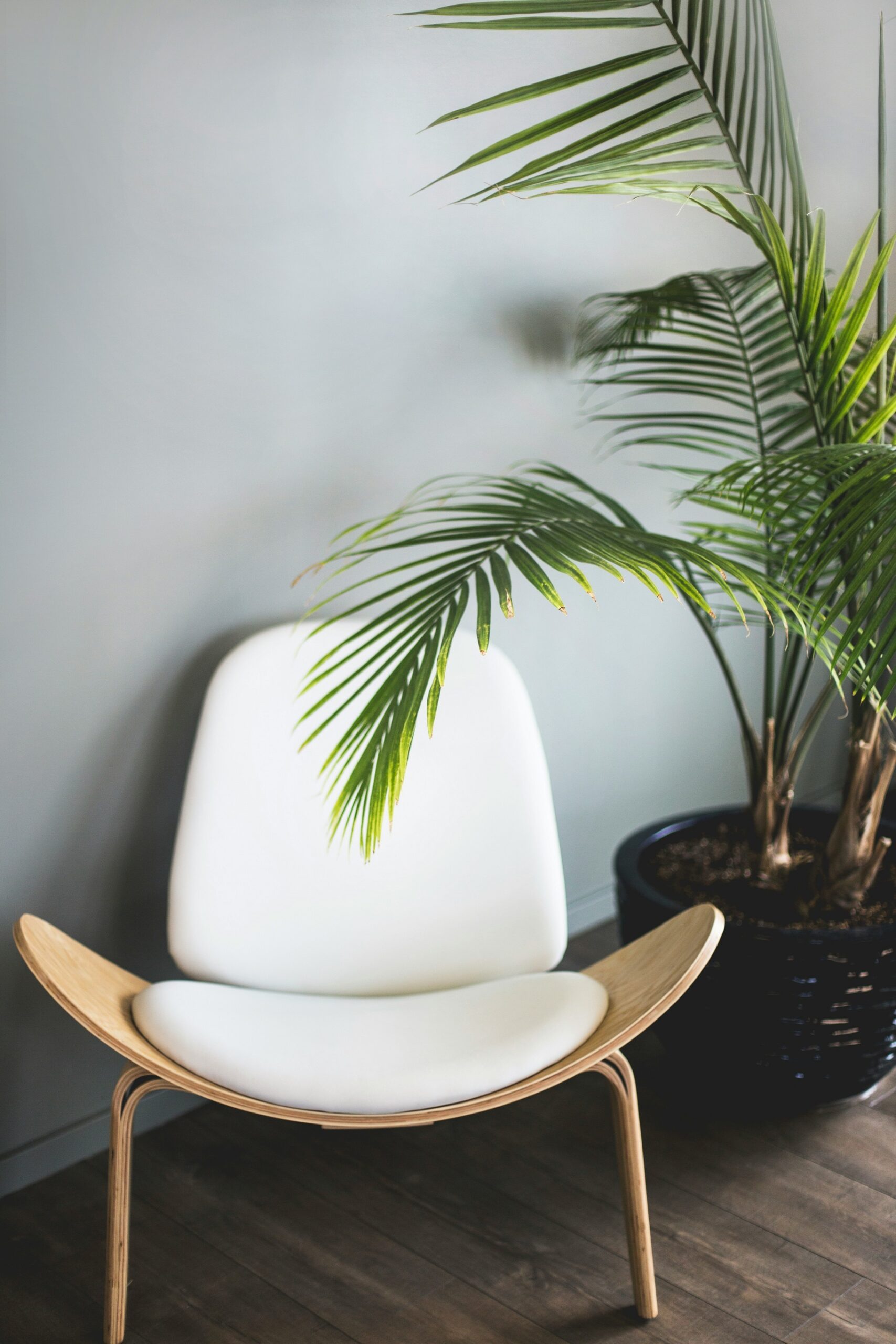
Envíos cada semana
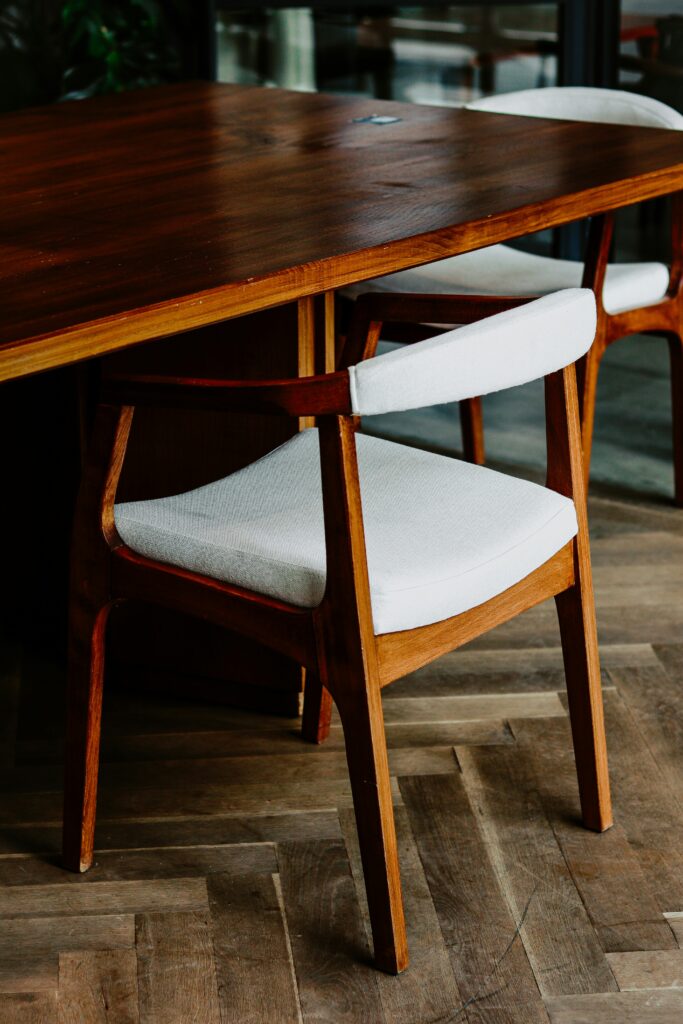
Desde
$30
por mes
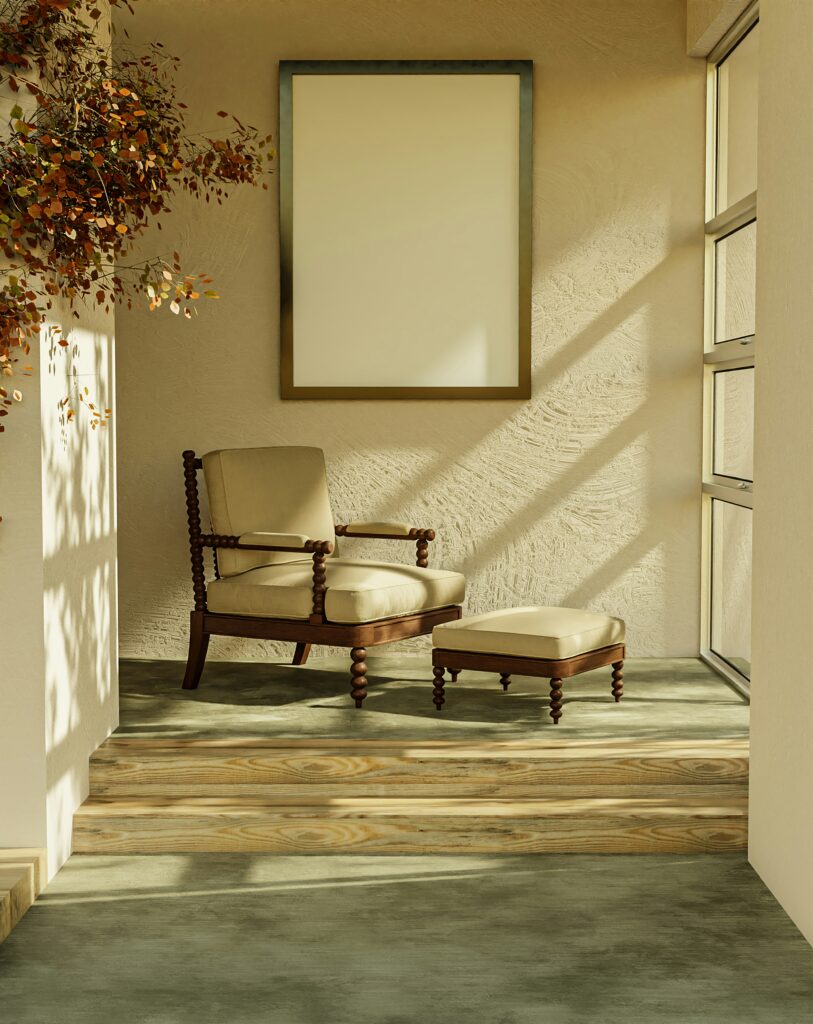
Envíos gratis
A todo el país
Cancelación gratuita
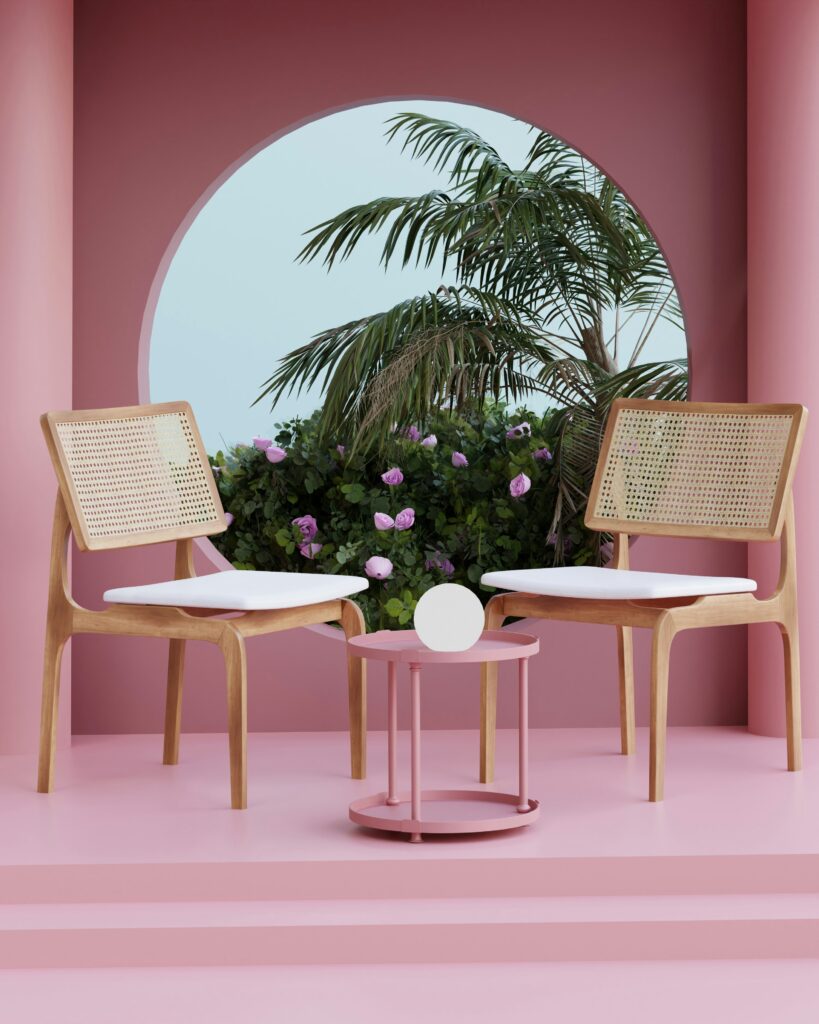
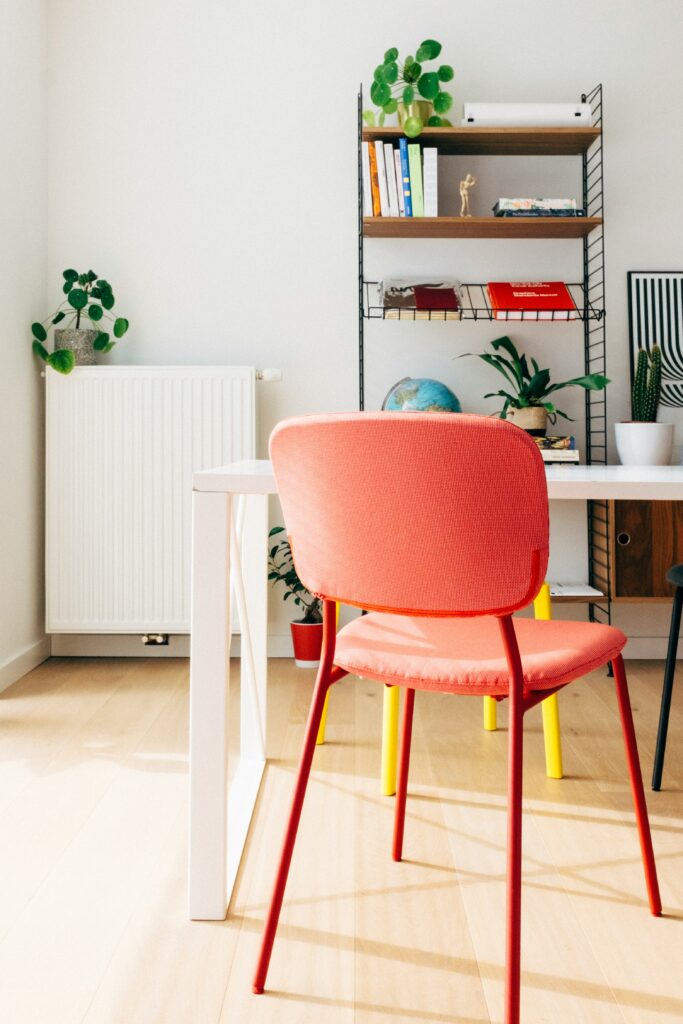
Nuestro Outlet
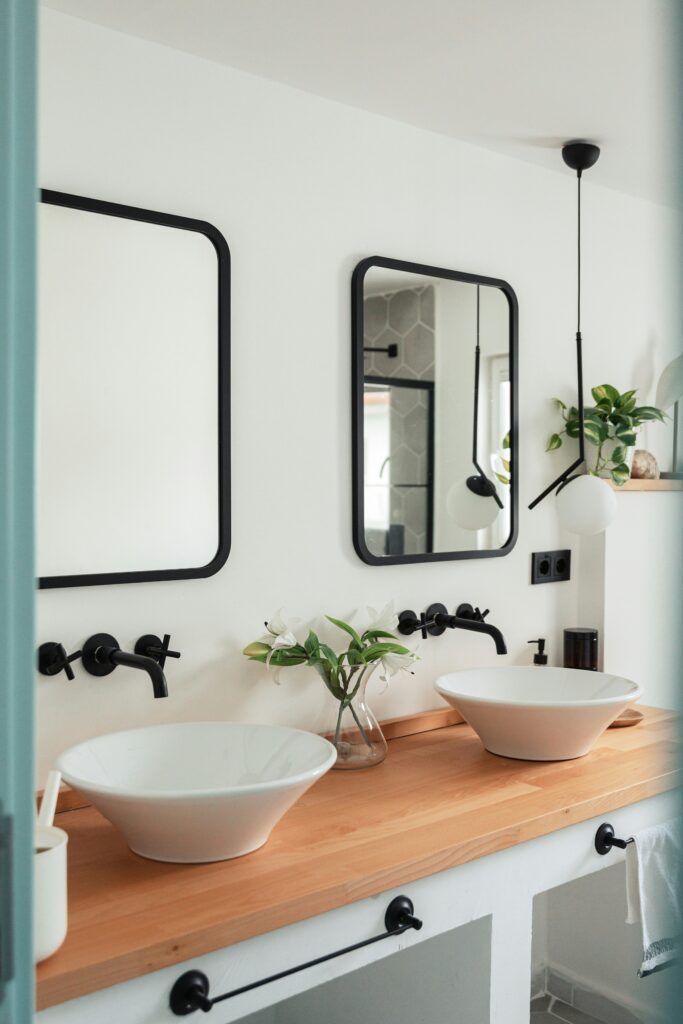
Envíos cada semana
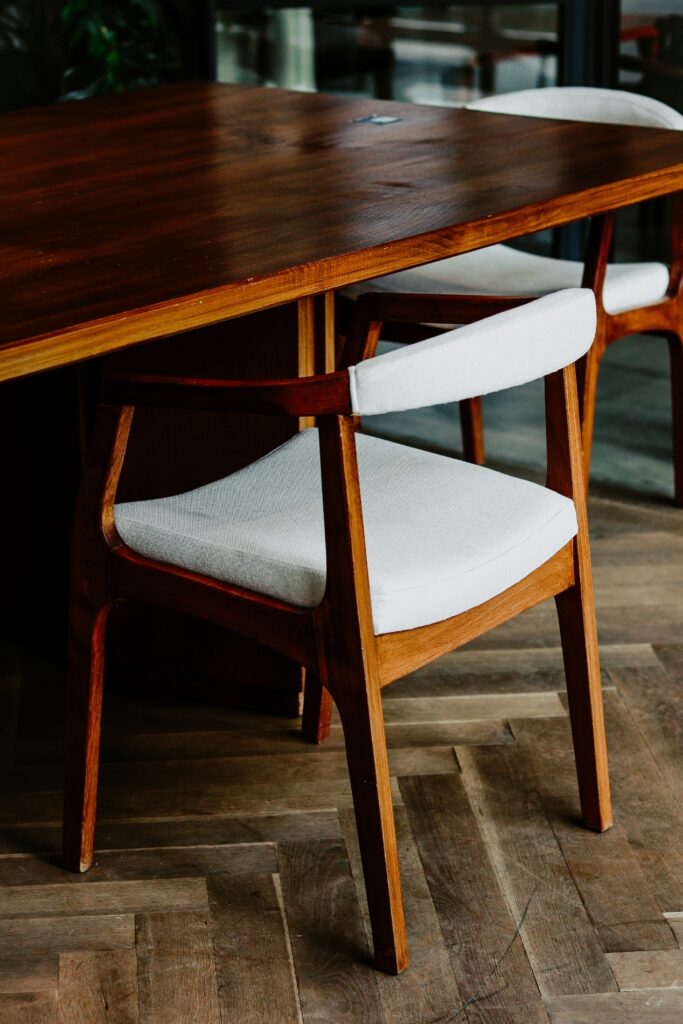
Descuentos especiales
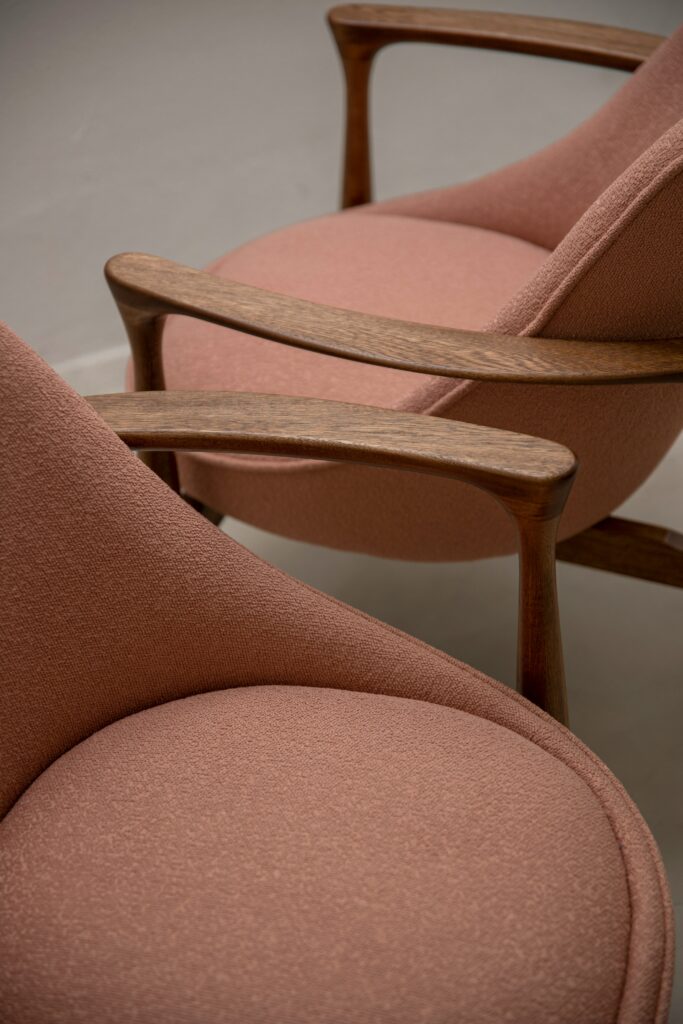
Envíos a domicilio
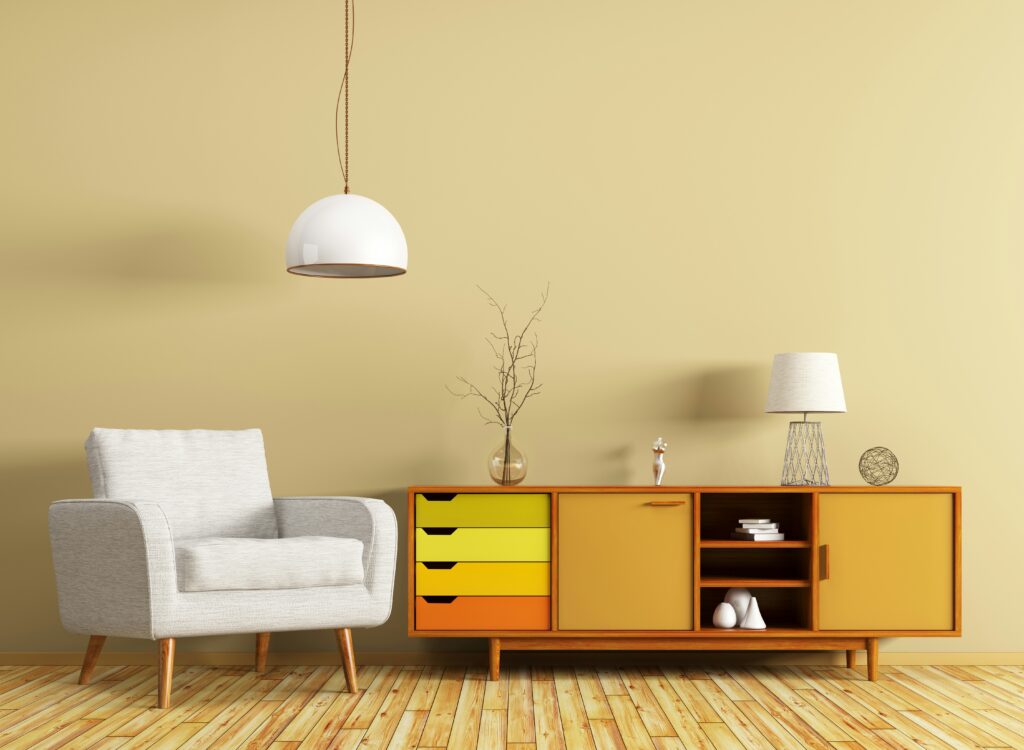
Variedad de diseños
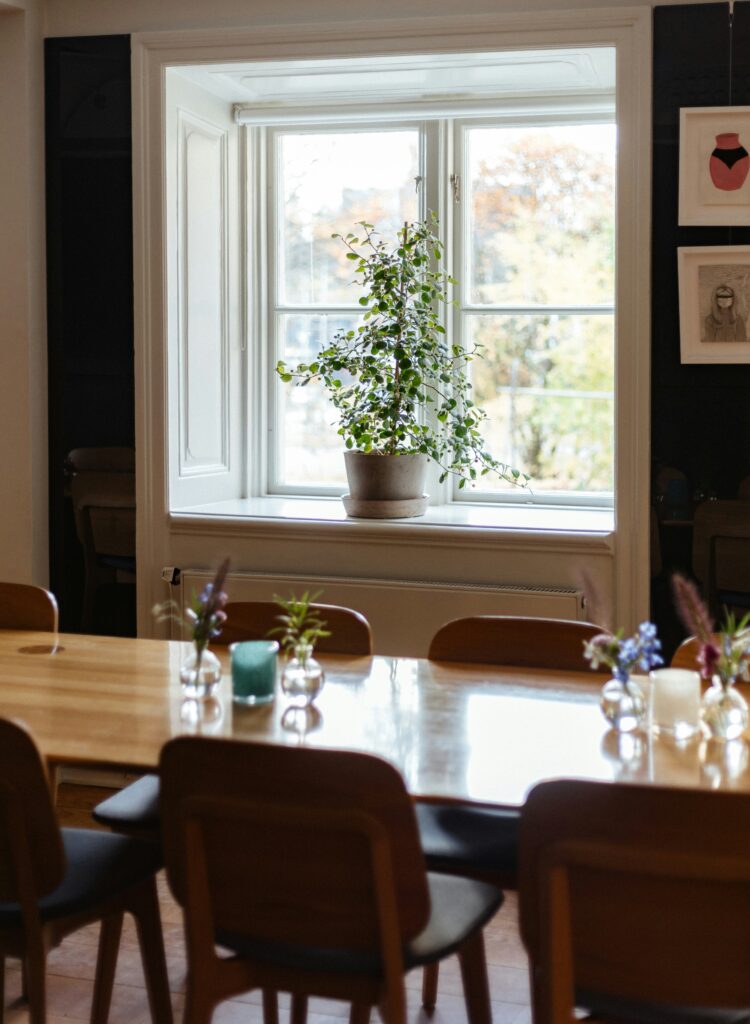
Ofertas en importados
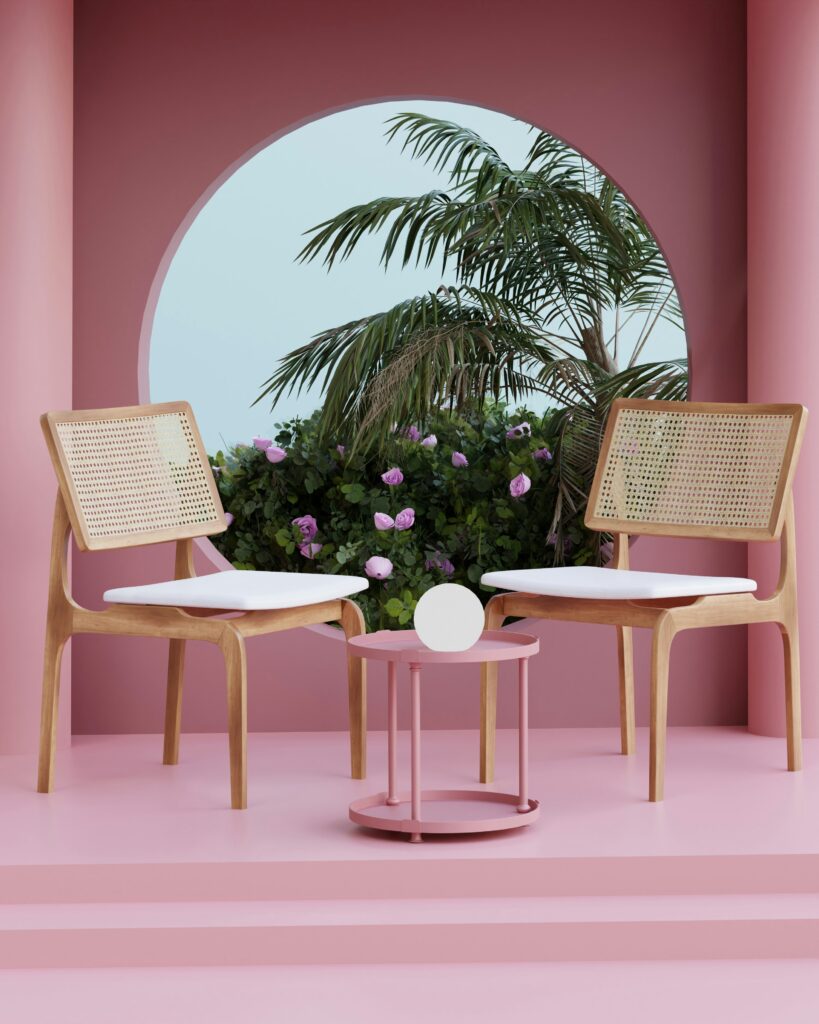
Nuevas marcas disponibles
01
Estrategia
Lorem ipsum dolor sit amet, consectetur adipiscing elit. Ut elit tellus, luctus nec ullamcorper mattis. Lorem ipsum dolor sit amet, consectetur adipiscing elit. Ut elit tellus, luctus nec ullamcorper mattis. Lorem ipsum dolor sit amet, consectetur adipiscing elit. Ut elit tellus, luctus nec ullamcorper mattis.
02
Consultation
Lorem ipsum dolor sit amet, consectetur adipiscing elit. Ut elit tellus, luctus nec ullamcorper mattis. Lorem ipsum dolor sit amet, consectetur adipiscing elit. Ut elit tellus, luctus nec ullamcorper mattis. Lorem ipsum dolor sit amet, consectetur adipiscing elit. Ut elit tellus, luctus nec ullamcorper mattis.
03
Take Action
Lorem ipsum dolor sit amet, consectetur adipiscing elit. Ut elit tellus, luctus nec ullamcorper mattis. Lorem ipsum dolor sit amet, consectetur adipiscing elit. Ut elit tellus, luctus nec ullamcorper mattis. Lorem ipsum dolor sit amet, consectetur adipiscing elit. Ut elit tellus, luctus nec ullamcorper mattis.
Mesa de Roble Lustrado
Sillas Uno
Let’s end off by taking a closer look at the Stack block. In this example, we have three columns; as you will notice, there’s less text or content in the left column. I would like the background color, and the Buttons block to push down and align with the columns in the middle and the right. Let’s see what I’ve done. I’ve stacked all the content within a column together in a Stack block, and secondly, I stacked the heading and the paragraph together in a Stack block. But I’ve left the Buttons block by itself.
Sillas Uno
Let’s end off by taking a closer look at the Stack block. In this example, we have three columns; as you will notice, there’s less text or content in the left column.
Sillas Uno
Let’s end off by taking a closer look at the Stack block. In this example, we have three columns; as you will notice, there’s less text or content in the left column. I would like the background color, and the Buttons block to push down and align with the columns in the middle and the right. Let’s see what I’ve done.
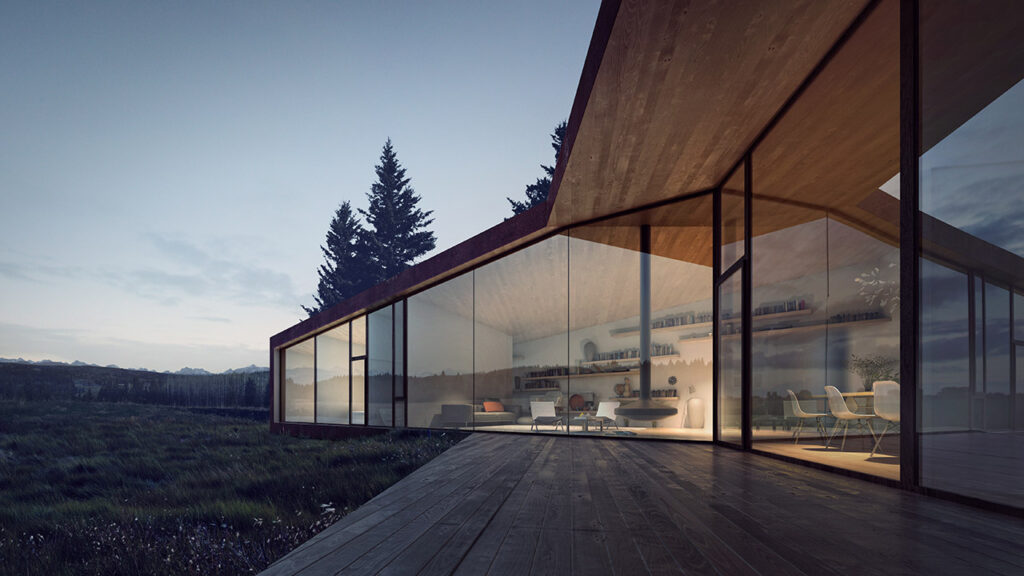
Casa Núñez en Bariloche
Dentro del bloque Group coloco un bloque Paragraph con un texto de unas cincuenta palabras. Después del párrafo coloco un bloque Buttons y en Justification elijo Align Middle en vertical y dejo Justify items left. En Styles no hago cambios. En el botón, selecciono Align Middle en vertical y dejo Align Text Left. En Styles elijo Fill y le doy un color al texto y al fondo. Tamaño del texto mediano, Letter Case mayúscula.
on
in the
flame
on
in the
flame
Sillas de Titanio
Sillas de Titanio
Sillas de Titanio
Reflejos en el Vidrio
Reflejos en el Vidrio
Reflejos en el Vidrio
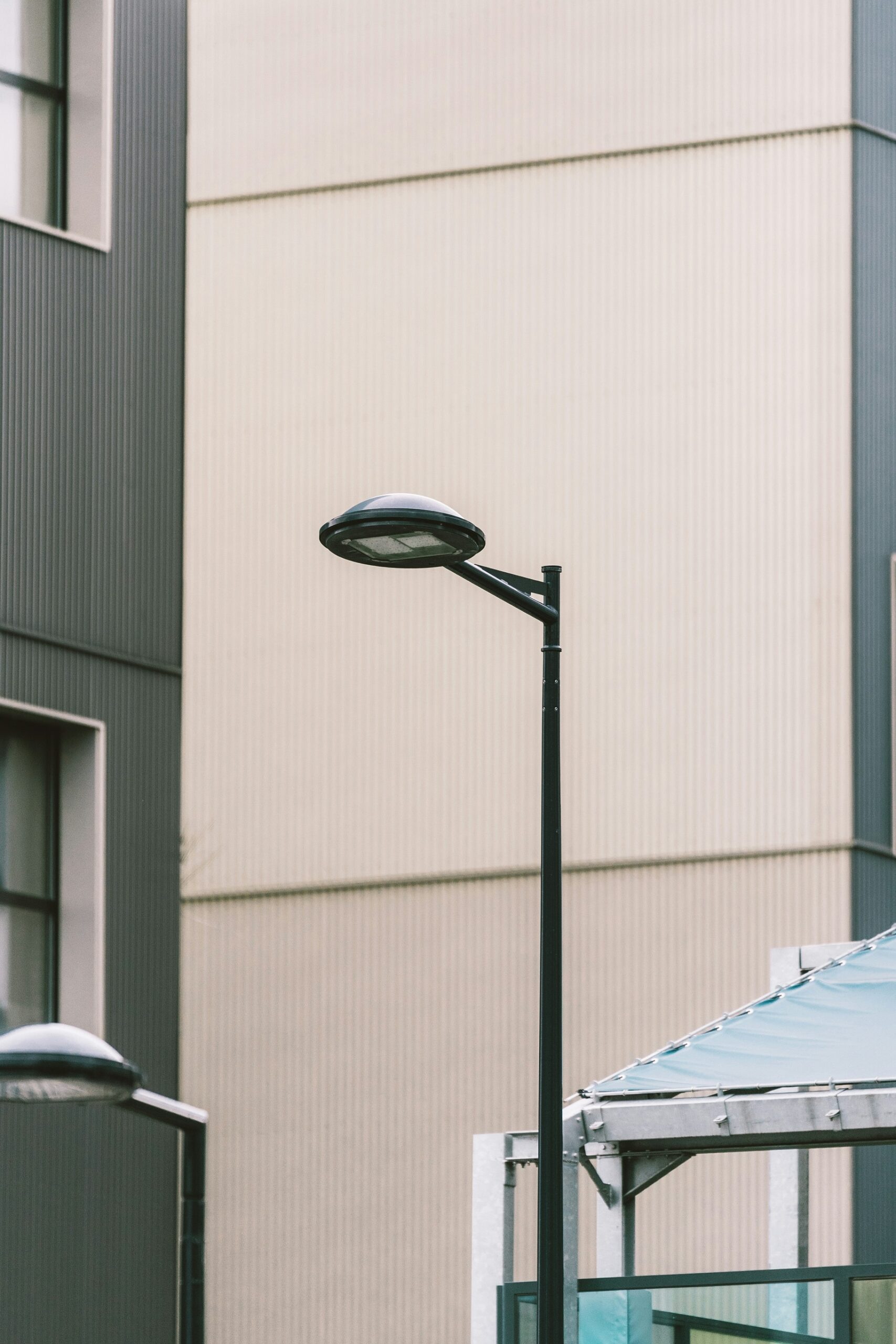
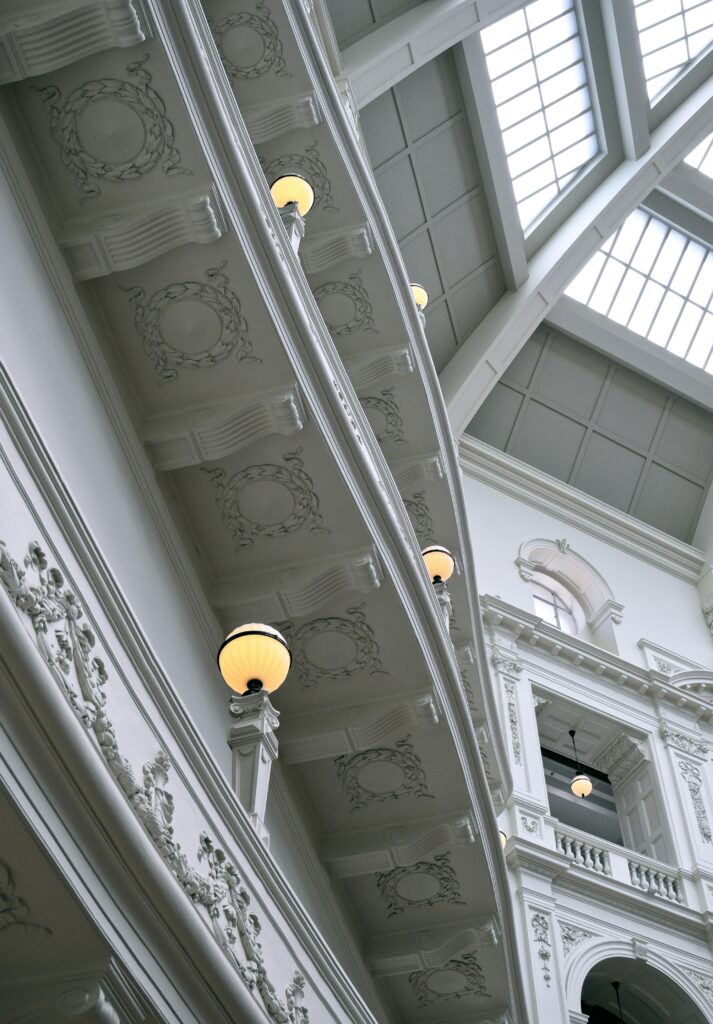
Imagen repartida
Creo un grupo grande. En la barra de herramientas le doy un ancho Wide width. En Settings, en el sector Layout desactivo Inner Blocks use content width. En Styles, le doy a Padding vertical siete. Dentro del grupo coloco un block Columns de dos columnas.
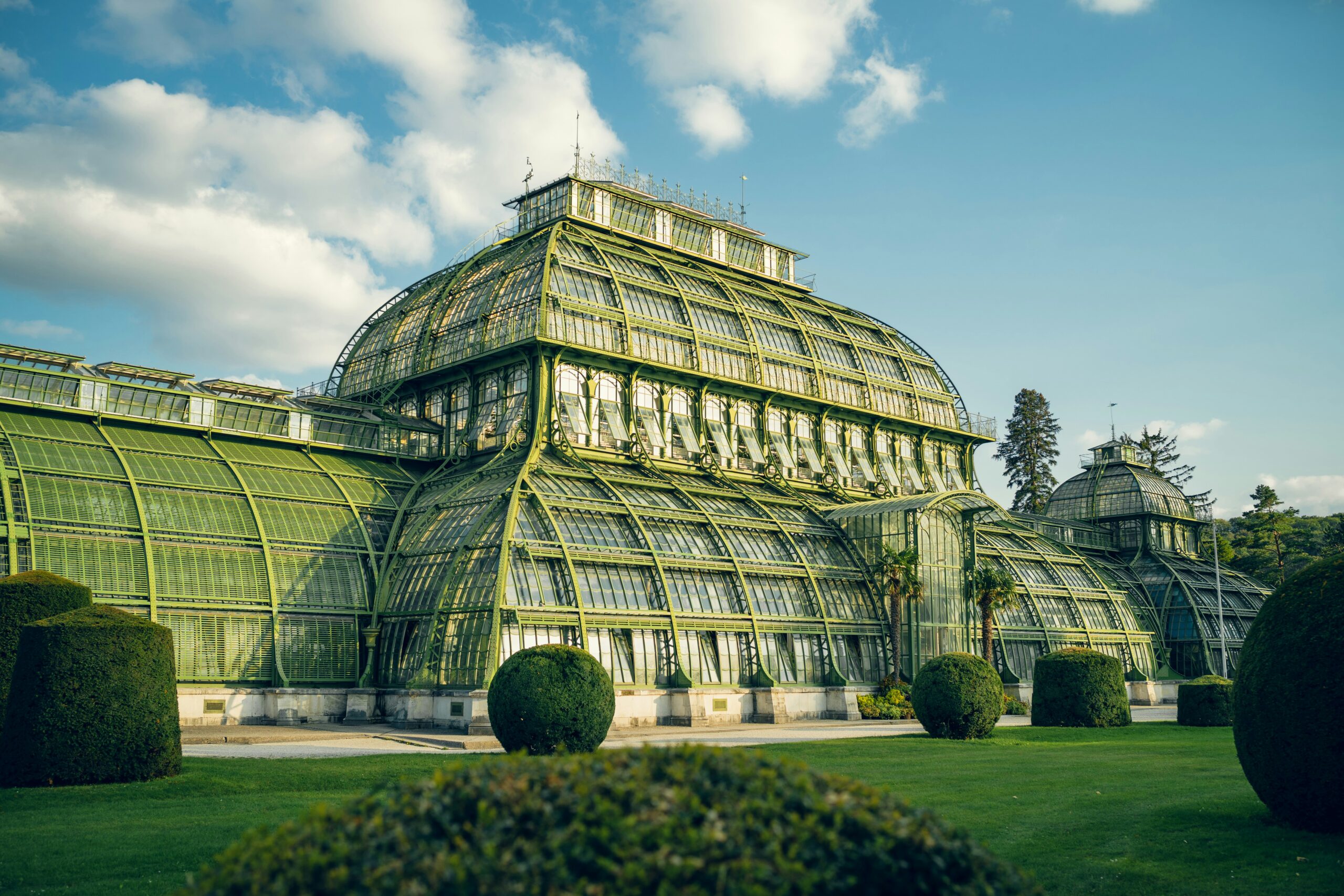
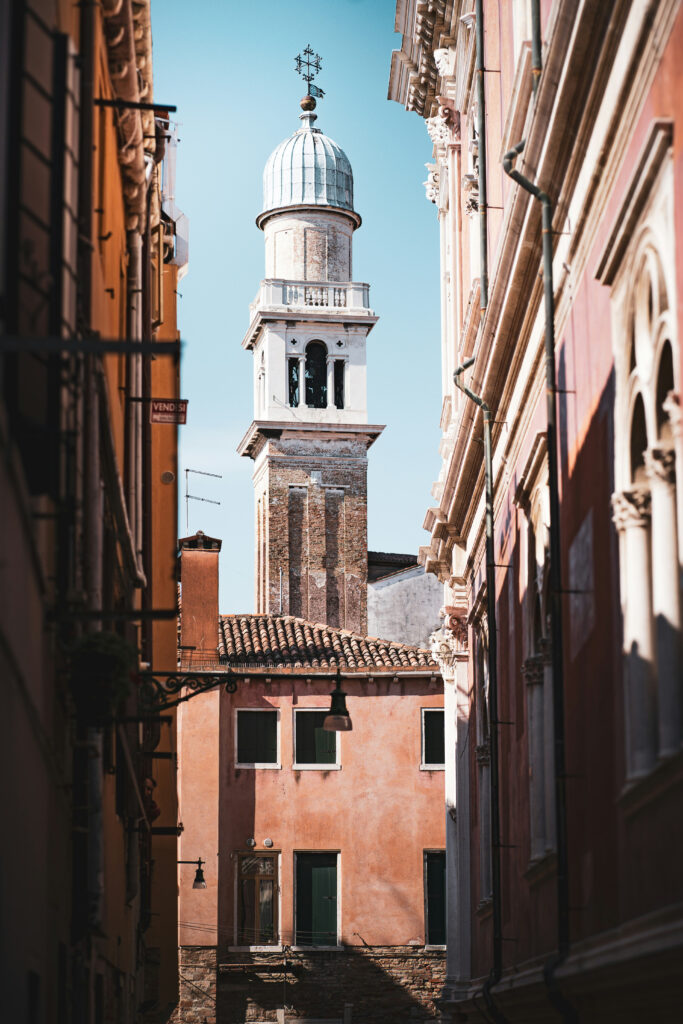
De la mampostería al hierro
Creo un grupo grande. En la barra de herramientas le doy un ancho Wide width. En Settings, en el sector Layout desactivo Inner Blocks use content width. En Styles, le doy a Padding vertical siete. Dentro del grupo coloco un block Columns de dos columnas.